Beginner guide · Selling online
How to Set Up Systeme.io: Build Your First Sales Funnel for Free
Systeme.io puts your sign-up pages, emails, courses and checkout in one place. Here's how to build your first funnel on the free plan.
Selling online usually takes a pile of tools. One for your web pages. One for emails. One for payments. One for your online course. Each one has its own bill and its own login.
Systeme.io puts all of that in one place. And its free plan is free for good, not just for a trial.
First, what is a "funnel"?
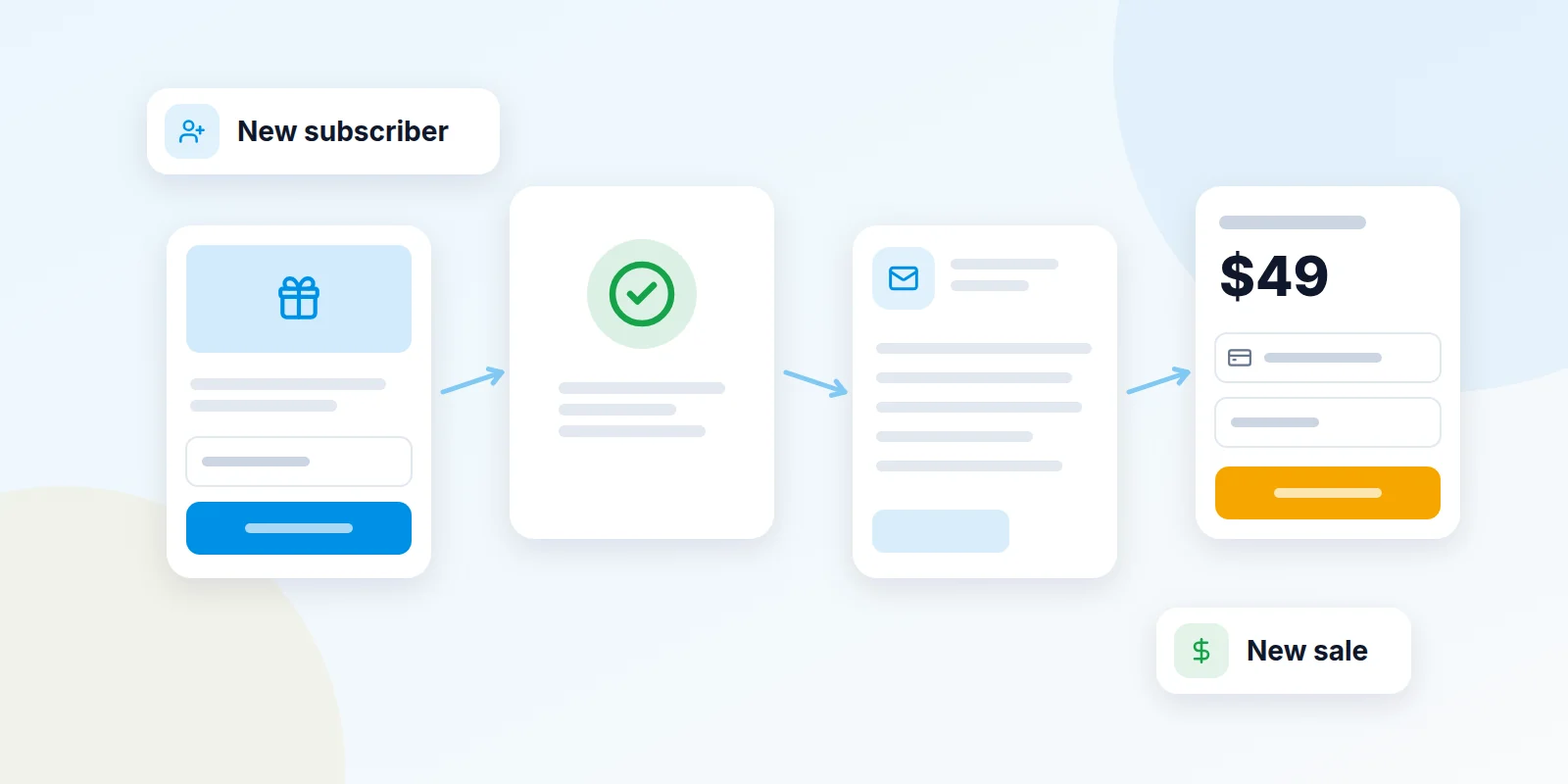
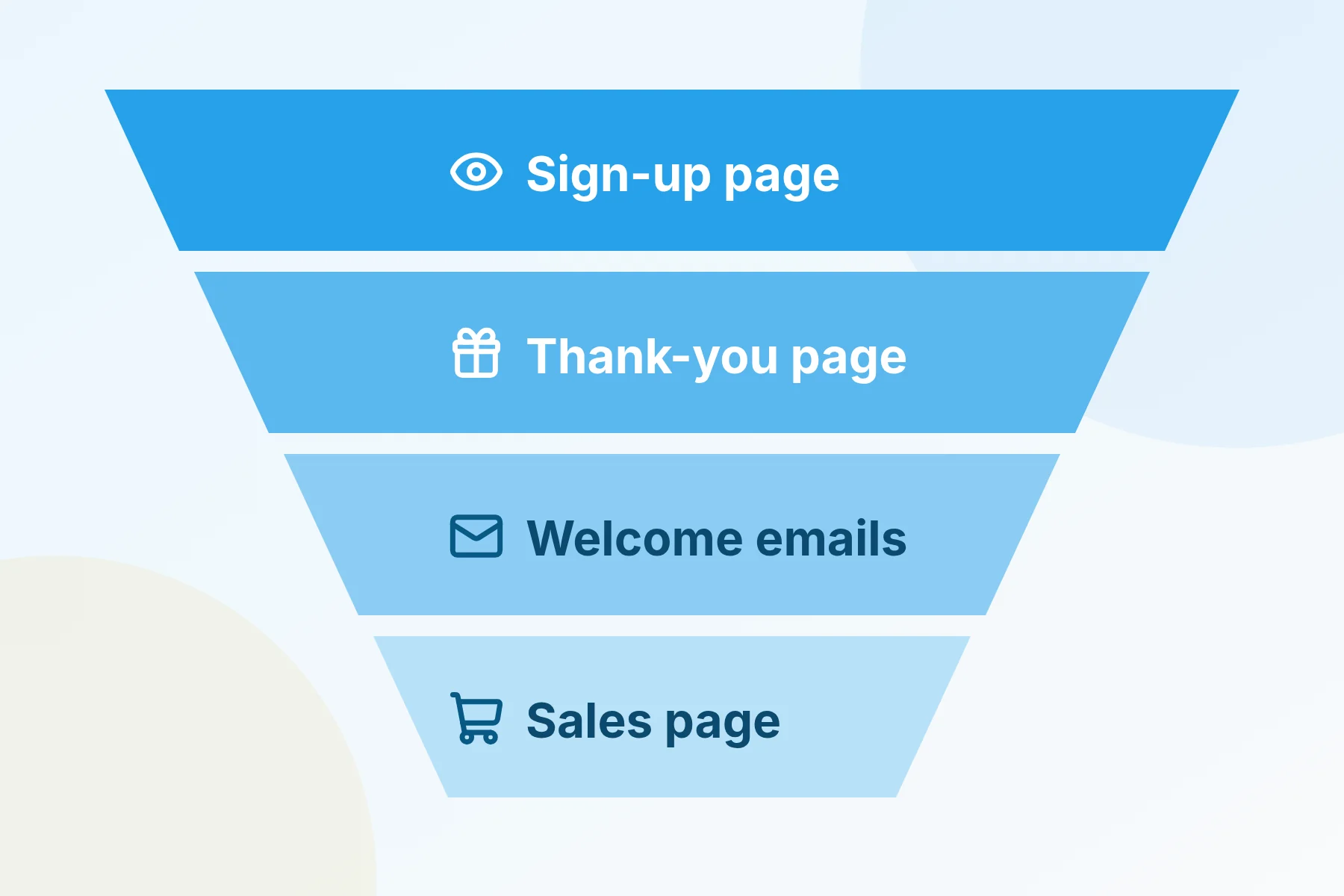
A funnel is a short set of pages that turns a visitor into a customer, one small step at a time.
Here's a simple example. Someone sees your free checklist and gives you their email to get it. Next, they get a few helpful emails from you. Later, some of them buy your product or course.
What you get on the free plan
- 2,000 contacts. That's room for 2,000 people on your email list.
- 3 funnels. Build sign-up pages, thank-you pages and sales pages.
- Unlimited emails. Send as many emails as you like to your list.
- 1 online course. Host lessons and let students sign in to watch.
- No extra sales fees. Systeme.io takes 0% of your sales. Your payment company, like Stripe or PayPal, still charges its normal fee.
Before you start
- A freebie idea. This is the free thing people get for joining your list. A checklist, a short guide or a discount code all work well.
- An email address on your own website name, like hello@yourbusiness.com. Systeme.io won't send your emails from a Gmail or Yahoo address. Need one? See our free company email guide.
- A Stripe or PayPal account, only if you plan to sell something.
Build your first funnel
- Create your free account. Open Systeme.io with the button at the end of this guide. Enter your email and click Continue. No card is needed.
- Start a new funnel. Go to Sites, then Sales funnels. Click Create.
- Name it. Give your funnel a name, like "Free checklist." Pick the currency you'll use.
- Choose "Build an Audience." This funnel type is made for growing your email list. It gives you two pages: a sign-up page and a thank-you page.
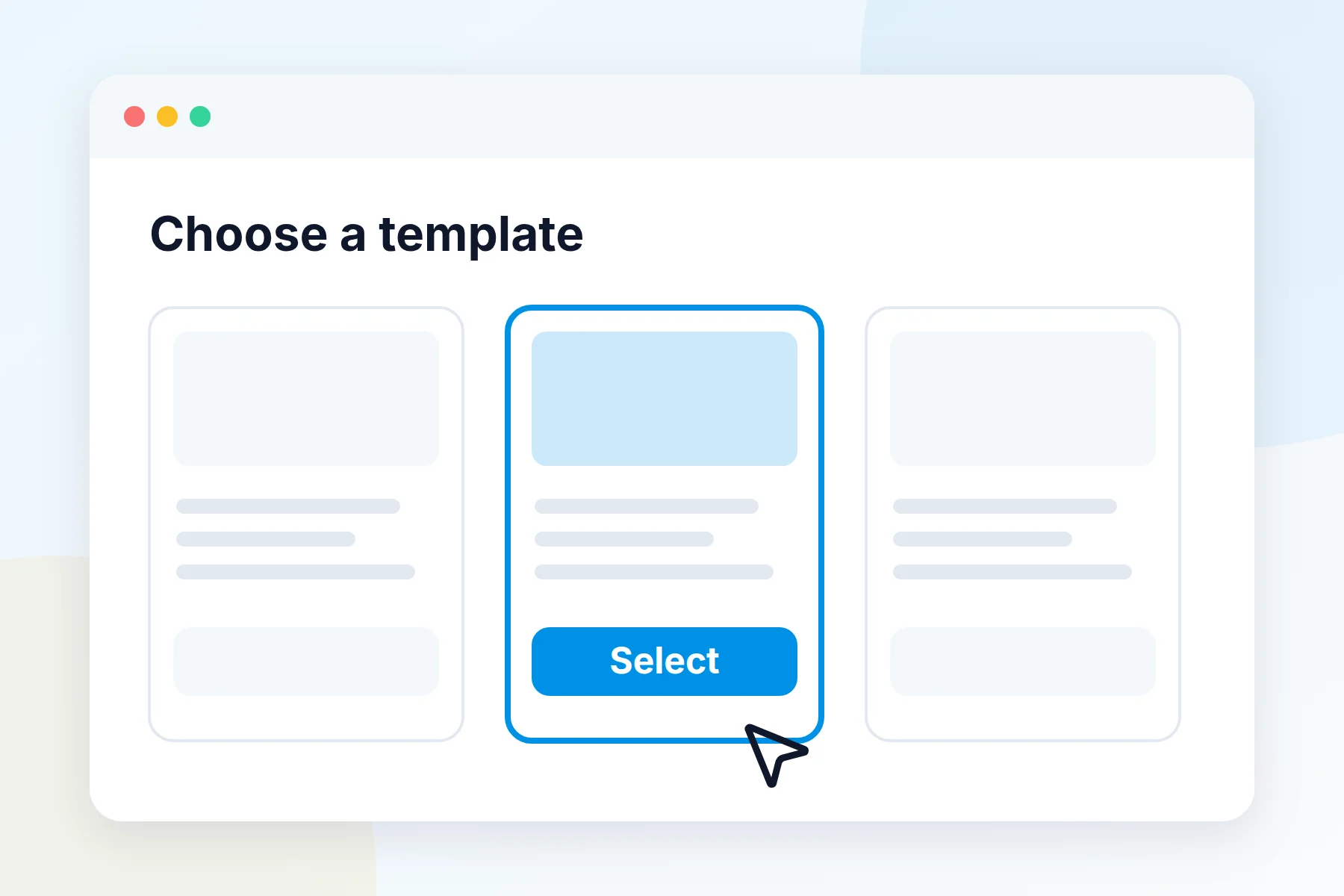
- Pick a design. Open the sign-up page step. Choose a template you like and click Select.
- Make it yours. Click Edit page. Change the words, colors and picture. Keep it short: say what the freebie is and why it helps.
- Edit the thank-you page. Do the same for the thank-you page. Tell people where to find their freebie.
- Share your page. Open the sign-up page and click the link icon to copy its web address. Post it on social media or in your email signature.
Next steps once your funnel is live
Confirm your sending email
Before you send any emails, go to Settings, then Emails. Add your business email under Verified email addresses and confirm it. Our company email guide shows how to set up the extra security records your email needs to land in inboxes, not spam.
Send welcome emails on their own
- Write the emails. Go to Emails, then Campaigns, and click Create. Add each email and set how many days apart they go out.
- Connect them to your funnel. Go to Automations, then Rules, and click Create. Pick the trigger "Funnel step form subscribed." Add the action Subscribe to campaign. Click Save rule.
Now every new sign-up gets your welcome emails, one by one, with no work from you.
Start taking payments
Click your profile picture, then Settings, then Payment Gateways. Click Connect next to Stripe and follow the steps. Then open your funnel's Funnel settings and turn on the payment types you want.
Make an online course
Go to Assets, then Courses, and click Add a new course. Add a module, then add lessons inside it. Turn on each lesson and the course so students can see them.
Mistakes to avoid
Common questions
Is the free plan really free forever?
Yes. Systeme.io says the free plan never runs out, and you don't need a card. You only pay if you want more contacts, funnels or courses.
Do I need my own website?
No. Systeme.io hosts your pages for you. Later, you can connect your own web address in Settings, under Custom Domain.
Can I sell digital products, like an ebook?
Yes. Build a sales funnel with a payment page. Then set up an email that sends the file after each sale. You can also sell your course.
How much do paid plans cost?
When we wrote this, paid plans cost $17, $47 or $97 a month. Paying yearly gives you two months free. Prices can change, so check the site before you buy.
Ready to build your first funnel?
Start free. Set up one funnel, test it, and share it this week.
Create your free Systeme.io account See what Systeme.io includes