Beginner guide · Phone and texting
How to Set Up Quo: A Business Phone Number Your Whole Team Can Share
Keep work calls off your personal phone. Here's how to set up Quo, pick a number and get your team answering calls and texts.
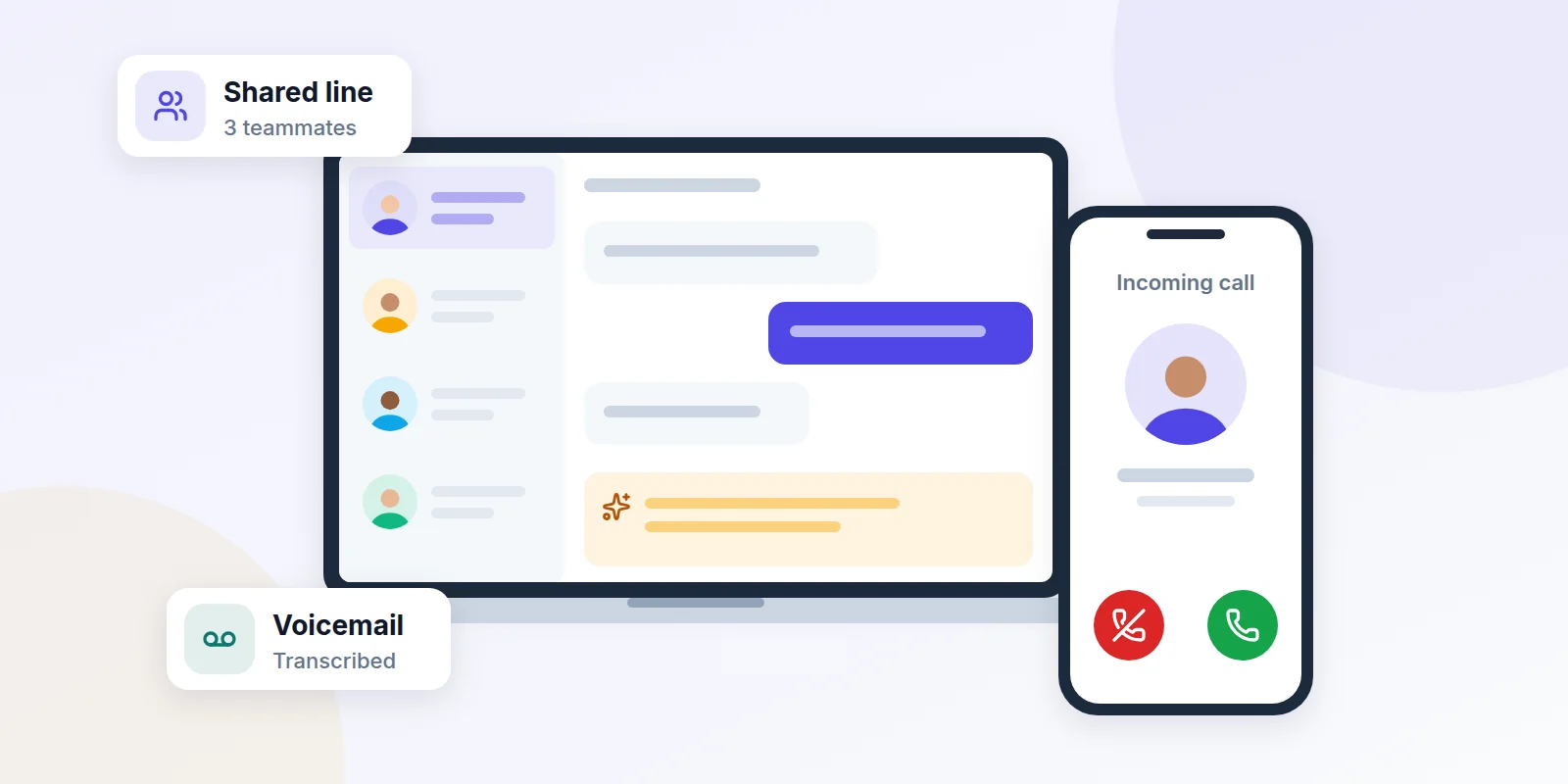
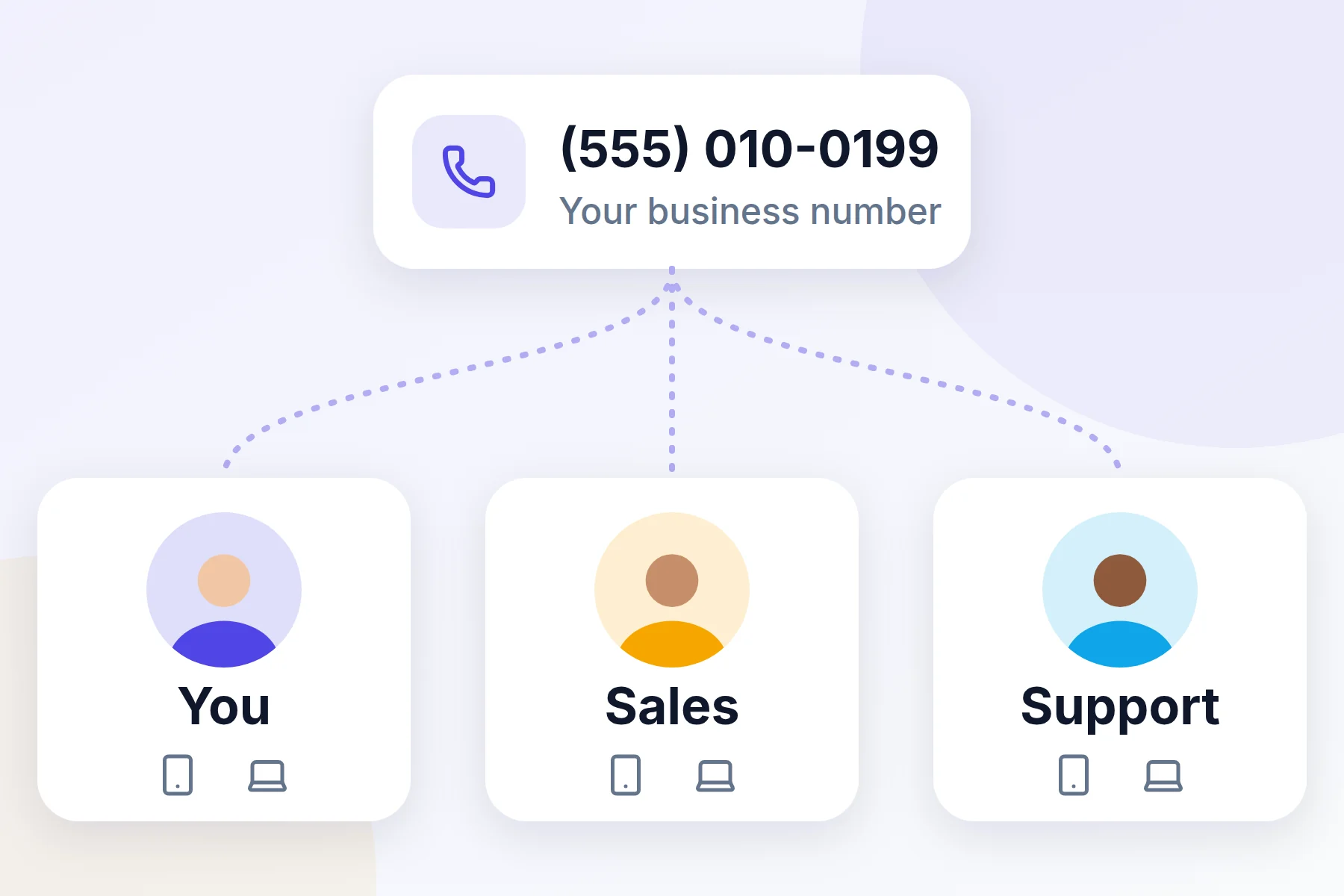
Quo gives your business its own phone number. It lives in an app on your phone and your computer. Calls and texts to that number land in one shared inbox, so anyone on your team can answer.
That means no more giving customers your personal cell number. And no more missed messages stuck on one person's phone.
Quo used to be called OpenPhone. The company changed its name in 2025, but the app works the same way.
What you can do with Quo
- Share one number. Your whole team can see and answer calls and texts to the same number.
- Text customers. Send and get texts from your business number, not your own.
- Read your voicemail. Quo turns each voicemail into text, so you can skim it fast.
- Let AI pick up. Sona, Quo's AI helper, can answer common questions when you're busy.
Before you start
Have these ready. It makes setup much faster.
- An email address you check often.
- Your cell phone. Quo texts it a code to prove it's you. It must be a real cell number, not a landline or an internet phone number.
- A credit or debit card. You need it for the free trial. Quo puts a $1 hold on it to check it, then lets it go.
- A photo ID, like a driver's license. Quo uses it to confirm who you are.
Set up Quo step by step
- Create your account. Open Quo with the button at the end of this guide. Enter your email and click Continue. Then type in the 6-digit code Quo emails you.
- Tell Quo about you. Add your name. Choose if the account is for a team or just for you.
- Confirm your cell number. Enter your cell number. Then type in the code Quo texts you.
- Pick your business number. Quo suggests one. Click pick a different number to choose your own area code. Already have a business number? You can bring it with you. We show you how below.
- Choose a plan to try. Starter is fine for most small teams. You can change plans later.
- Add your card. Your 7-day trial starts now. Quo emails you one day before it ends.
- Check your ID. Click the banner at the top of your screen, then learn more. Follow the steps to scan your photo ID.
- Get the apps. Download Quo on your phone and computer, or use it in your web browser.
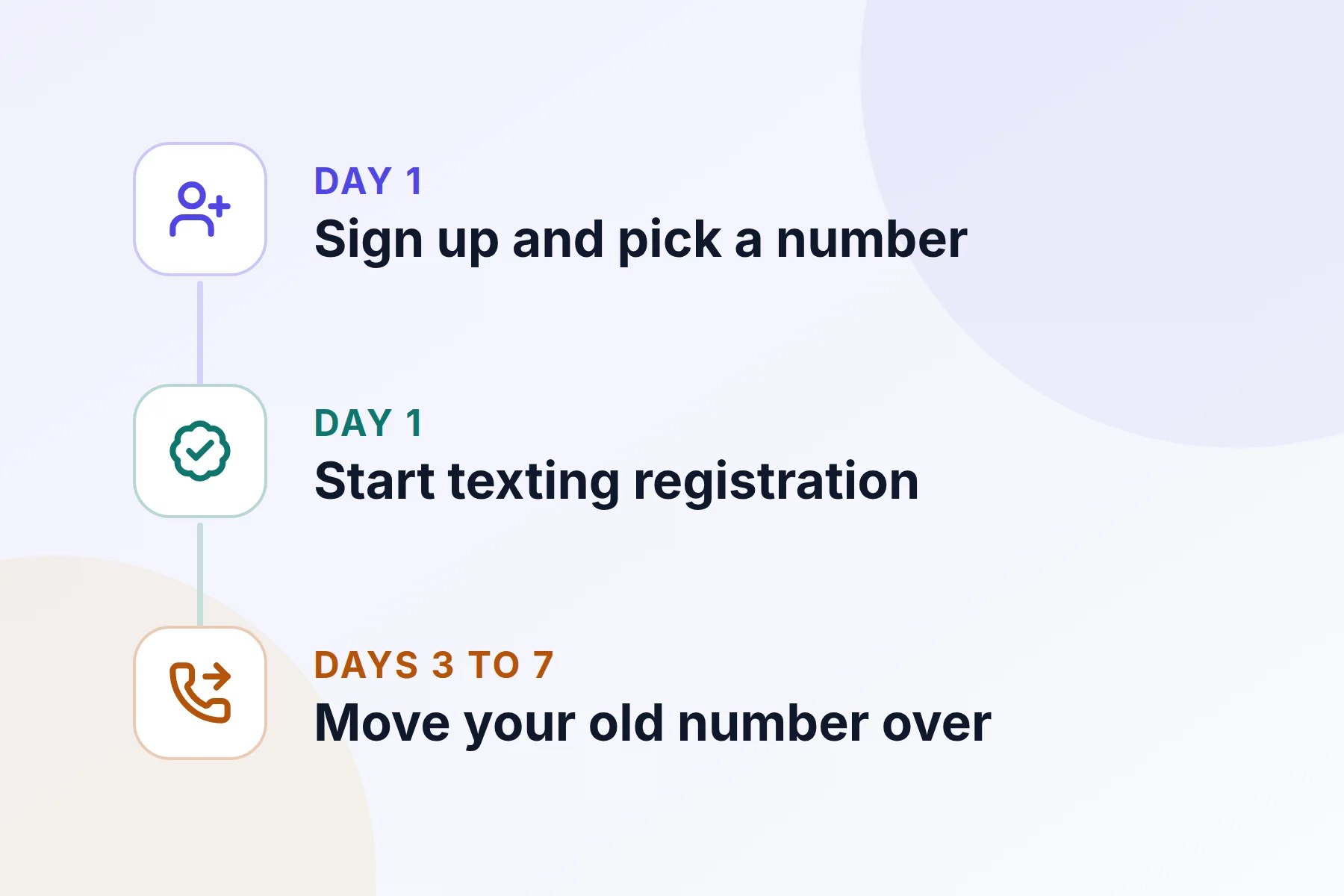
Turn on texting on day one
In the US, phone companies now make every business sign up before it can send texts. This helps stop spam. Quo walks you through it.
- Open the Trust center. Go to Settings, then Trust center.
- Register your business. Click Register now and fill in your business details.
- Wait for approval. It often takes 1 to 2 days. Sometimes it takes up to 20 days.
You can't text US numbers during the free trial anyway. So start early. That way texting is ready sooner.
Next steps once you're set up
Invite your team
- Open Members. Go to Settings, then Members.
- Send the invite. Click Invite a member and type their email.
- Give them a number. Choose a new number for them, or share one you already have.
- Pick a role. Then click Send invitations.
Set your business hours
Go to Settings, then Phone numbers, and pick your number. Turn on Enable business hours. Set your time zone and the days you're open. After hours, calls can go to voicemail or to someone else.
Record your voicemail greeting
In Settings, open your number's Call flow. Click the Voicemail step. You can record a greeting, upload one, or type it out and let Quo read it aloud.
Move your old number to Quo
Want to keep the number your customers already know? You can move it to Quo for free. This is called "porting."
- Start the move. Go to Settings, then Phone numbers. Click Port an existing number.
- Add your details. Enter your old phone company, account number and PIN. Upload a recent phone bill.
- Sign the form. Then wait. Most moves take 3 to 7 business days.
Common questions
Does Quo work on my cell phone?
Yes. Get the Quo app for iPhone or Android. Calls use Wi-Fi or your phone's data, not your plan's minutes.
How much does Quo cost?
When we wrote this, plans cost $15, $23 or $35 per person each month, paid yearly. Paying month to month costs $19, $33 or $47. Extra numbers are $5 a month each. Prices can change, so check Quo's site before you buy.
Is there a free plan?
No. There's a 7-day free trial, and you need a card to start it. To cancel, go to Plan & billing and click End free trial.
Can I call other countries?
Quo numbers come from the US and Canada. You can call and text most other countries once you turn it on and buy credits.
Can I call 911 from Quo?
No. Quo can't make emergency calls. Keep a regular phone for emergencies.
Do all plans get AI call summaries?
No. Call summaries start with the Business plan. Every plan turns voicemails into text.
Ready for a real business number?
Try Quo free for 7 days. Set it up, invite your team and make a few test calls before you pay.